

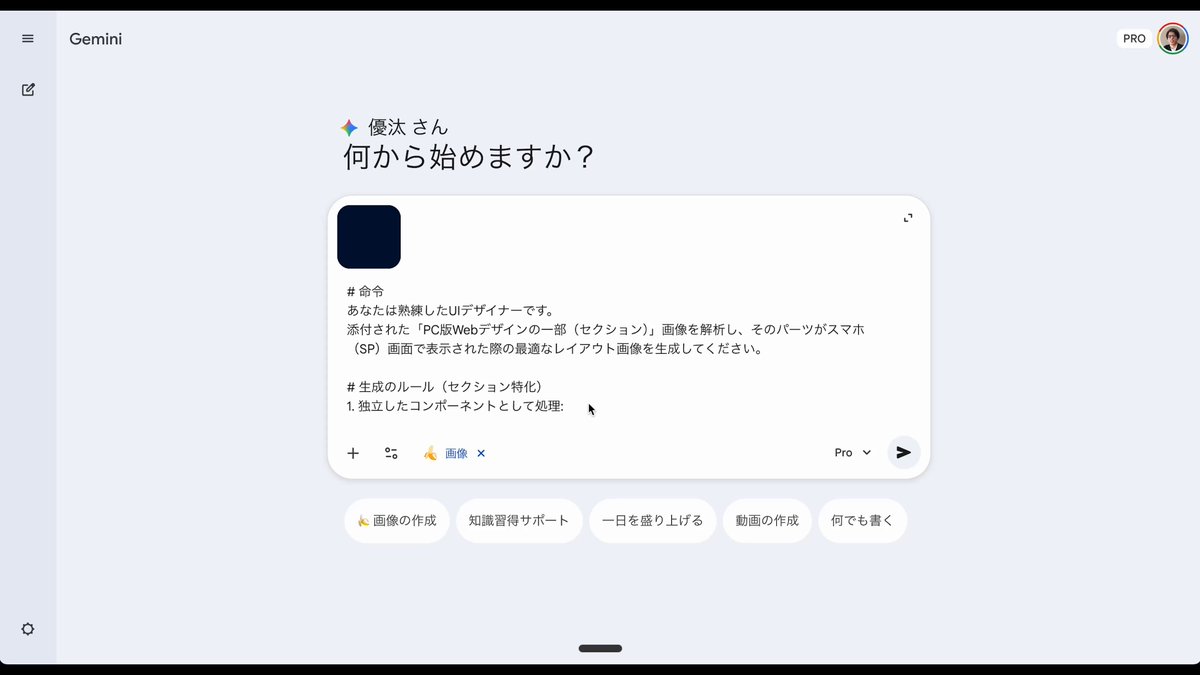
# Instruction
You are a skilled UI designer.
Analyze the attached image of a "section of a PC web design" and generate the optimal layout image for that part when displayed on a smartphone (SP) screen.

# Generation Rules (Section Specific)
1. Process as an independent component:
- Do not add any headers, footers, or unnecessary navigation bars.
- Reconfigure using only the elements present in the image (text, icons, photos).

2. Responsive Layout Conversion (Stacking):
- Elements that are horizontally aligned on the PC (Horizontal row) should be changed to vertical stacking (Vertical column) for the smartphone.
- Margins (Padding/Margin) should be appropriately adjusted for the narrow screen width of a smartphone.

3. Design Inheritance:
- Maintain the color scheme, font atmosphere, and decorative style of the original image.
- The image aspect ratio should be generated as vertical (e.g., [aspect ratio]), assuming the elements will be stacked vertically.

# Action
Generate one design comp of the attached image section, optimized for smartphone screen width (375px~).



0 Comments
👥 Co-learning Circle 0
Observe other members' variables & configurations, and click "Study & Retry" to instantly import settings and practice!