

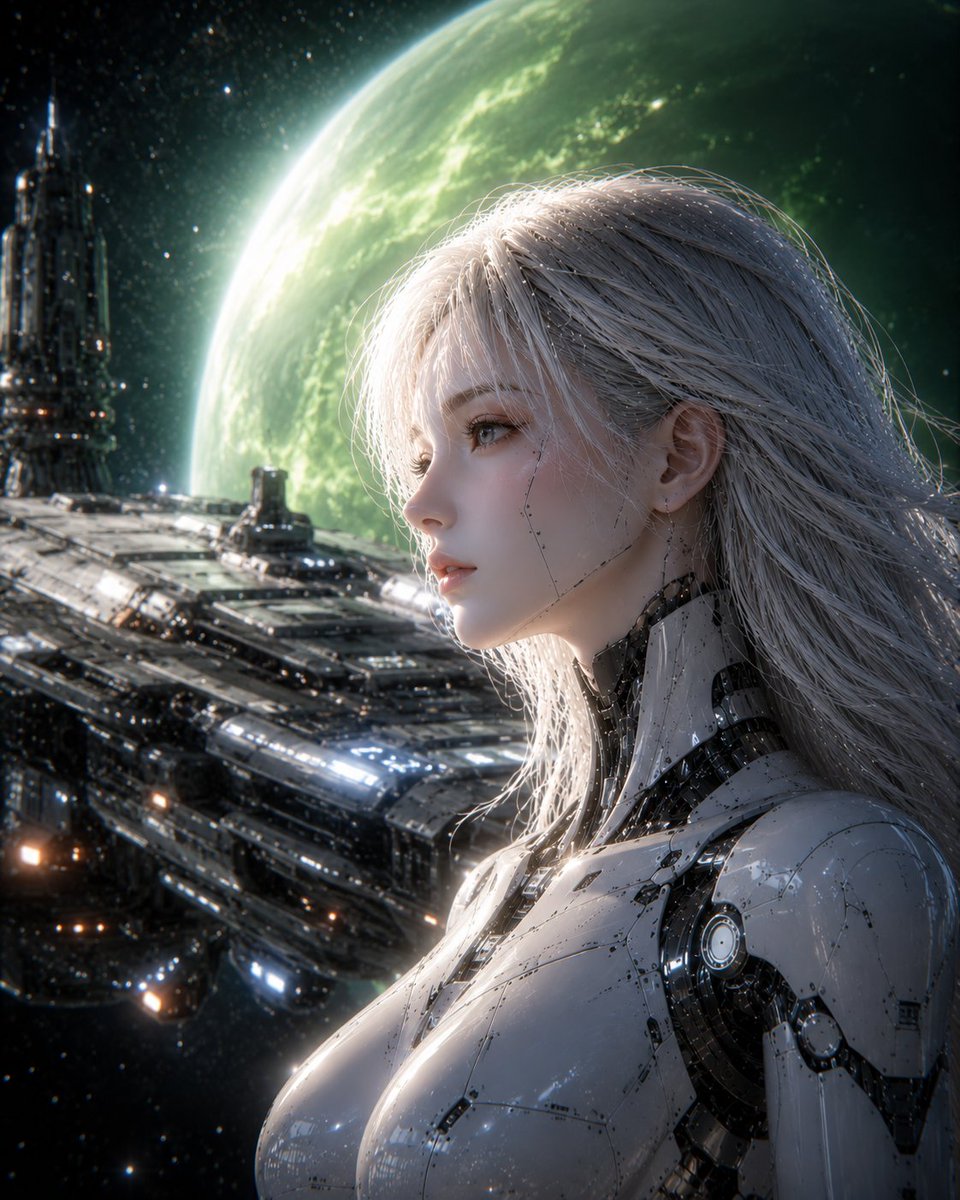
Create a cinematic vertical sci-fi portrait of [character description] in right-side profile, shown from chest up, facing left toward deep space. She has long flowing [hair color] hair blown gently backward, a visible ear with delicate mechanical detailing, and glossy white humanoid cybernetic armor with black joints, circular shoulder mechanisms, fine panel seams, tiny screws, and reflective metal surfaces. Place a large flat opaque square censor block over the center of her face, colored muted warm gray, hiding the facial features while leaving the hair, ear, neck, and body visible. Behind her is a massive futuristic spacecraft deck or space station stretching diagonally across the lower left, with layered metallic panels, glowing blue-white and amber lights, and a tall tower-like structure on the far left. In the background, show a huge luminous [planet color] planet dominating the upper half of the scene, with atmospheric glow, cloud texture, and bright rim lighting, surrounded by a dense starfield. Use dramatic cinematic lighting with strong backlight from the planet, cool blue-green highlights, high contrast shadows, ultra-detailed hard-surface sci-fi design, realistic anime-influenced rendering, shallow depth of field, and a polished concept-art look. Composition should be vertical 4:5, with the android occupying the right half and the spaceship and planet creating depth on the left; no text, no watermark.



0 Comments
👥 Co-learning Circle 0
Observe other members' variables & configurations, and click "Study & Retry" to instantly import settings and practice!